How to use WinDirStat
What the interface offers—capabilities of the software rather than a fixed sequence of steps.
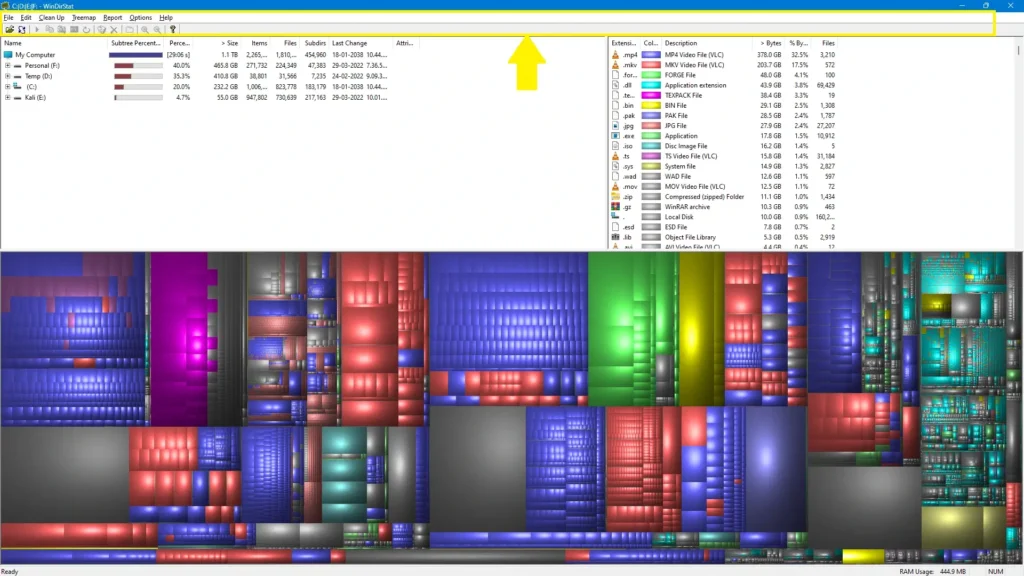
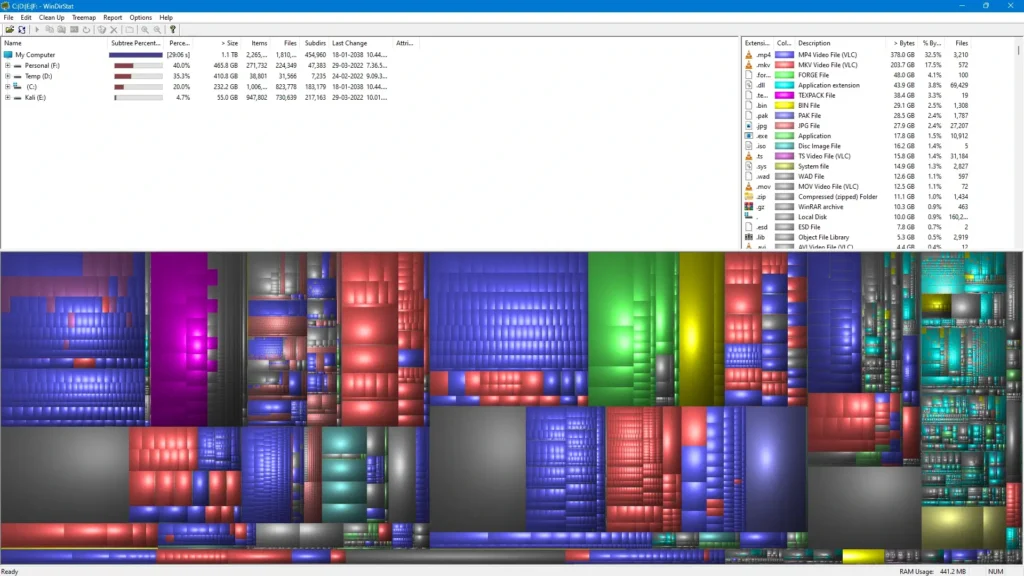
Hero view — the full workspace
The main layout brings together the pieces you work with at once: a size-sorted tree, the treemap, and the type breakdown. The filename Hero.webp matches this role—it is the wide shot of the whole WinDirStat experience.
Scan completion — summary when the run finishes
After WinDirStat walks the disk, a compact window can appear to cap off the scan. The asset When the program is done scanning everything you’ll get this cool window popped up..webp illustrates that moment: a clear signal that enumeration is complete before you explore the results.
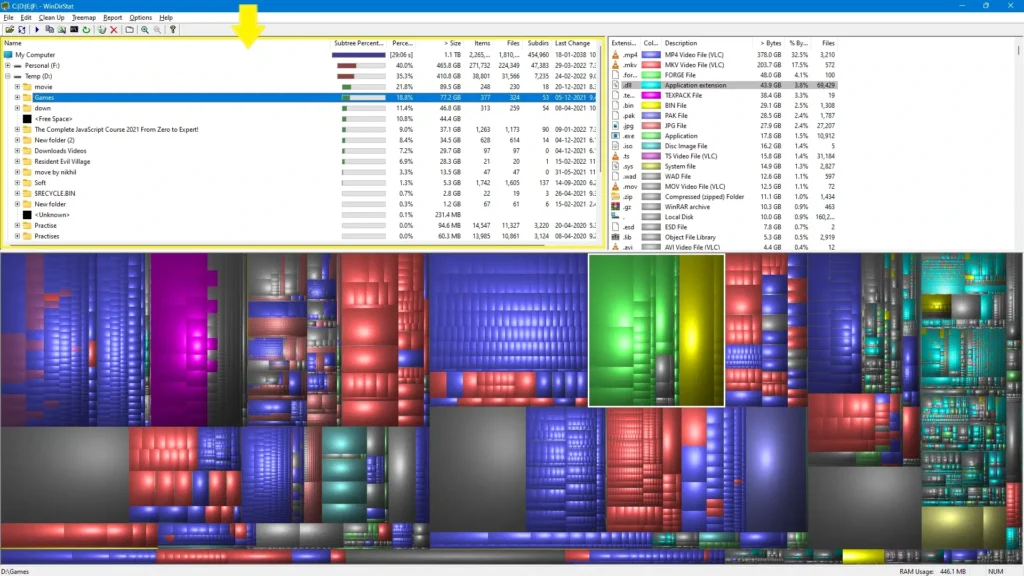
Directory tree — everything on the volume, ordered by size
The left pane is an Explorer-like tree, but rows are ordered by how much space folders and files consume. The file On the left side, you get the full tree view of everything that’s going on in the window. Just so you can see all the different individual files and with on the hard drive..webp highlights that feature: drill into paths and see which branches dominate usage.
Treemap selection — click any block to see the exact file
Large and small rectangles both respond the same way: picking a tile highlights the corresponding item and reveals which file it represents. That behavior is what click on any of the colored squares that is big ones or the little ones and it will highlight and tell you exactly which file.webp describes—precise identification straight from the map.
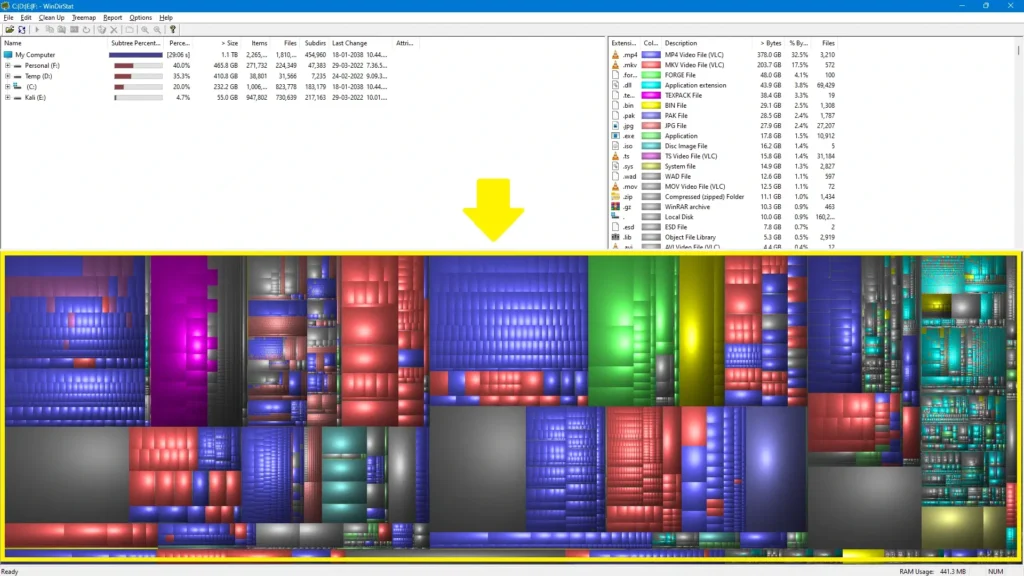
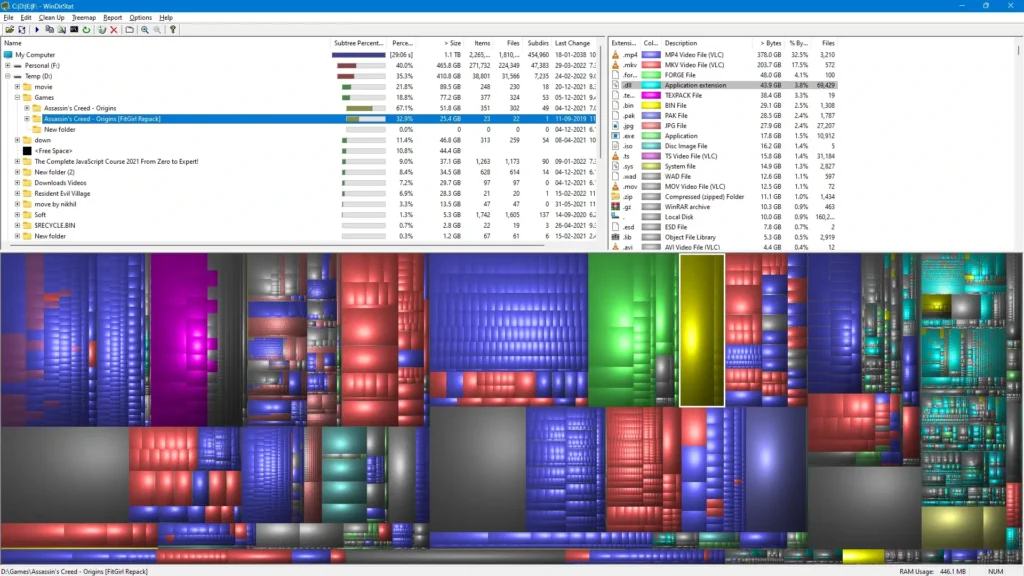
Extension panel — types, colors, and what lights up below
The right-hand list groups space by file type and drives the treemap colors. Choosing different rows emphasizes matching areas in the lower treemap view. The screenshot If you go through and you start clicking some different information over the right-hand panel you can see it’ll highlight everything down on the bottom or grouping..webp shows that cross-highlighting between the legend and the map.
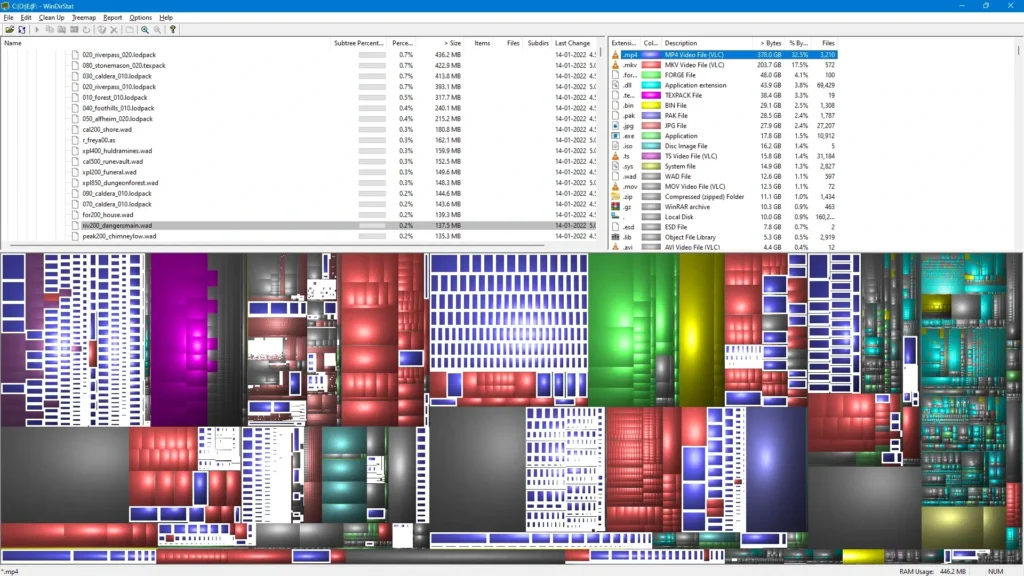
Menus — commands along the top
Standard menu bars expose cleanup actions, view options, and other tools without crowding the panes. The image Also, you see there’s a ton of things and of course, you get a ton of different menu options along the top if you’re going to go through those as well..webp calls out that depth: the same session gives you both visual browsing and traditional menu-driven control.